

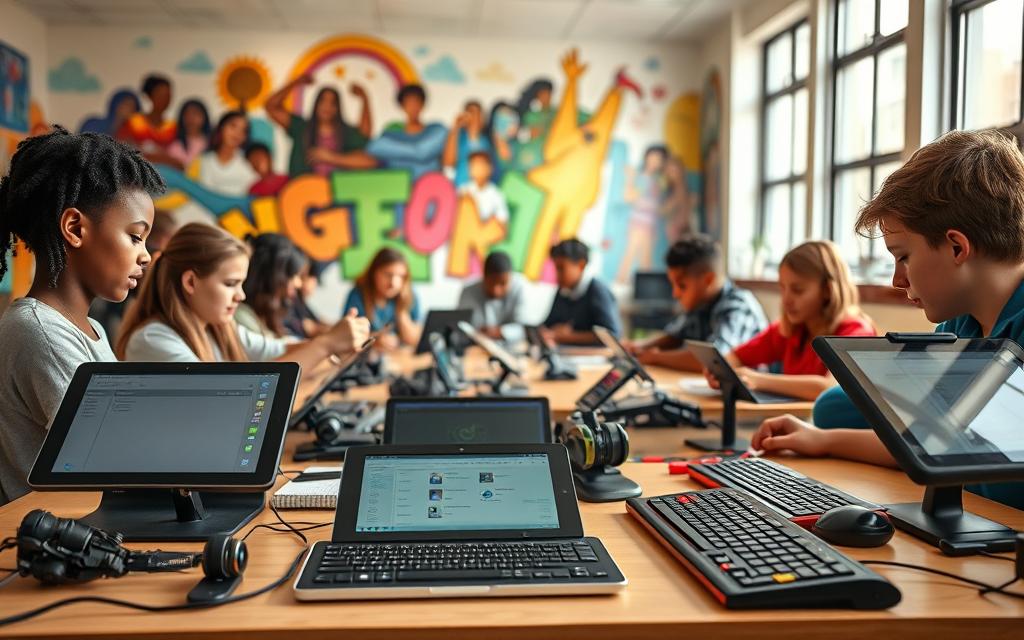
Today’s classrooms welcome diversity more than ever. Each student learns in their own way and has different abilities. Some need special help to do well in school.
Special tools help close learning gaps for students with different needs. These tools make learning fair for everyone. They are a big step forward in teaching methods.
This method helps every student reach their best. It’s all about making learning personal. The right tools make sure everyone gets a good education.
Teachers now know that old ways don’t work for everyone. New solutions help every student succeed. This is the heart of modern teaching.
Understanding Assistive Technology in Education
Schools now see assistive technology as key to making learning inclusive. These tools are more than gadgets; they’re a vital support for students with different learning needs. They help students access and show what they know.
Defining Assistive Technology and Its Purpose
Assistive technology in schools includes tools, devices, software, and equipment for students with disabilities or learning challenges. These tools aim to level the playing field, giving all students a fair chance to learn.
The main goals of these technologies are:
- Improving access to learning materials
- Helping with communication and processing information
- Supporting students in class and tests
- Building confidence and independence in learning
These tools help students show their true abilities, not held back by physical, sensory, or cognitive barriers.
Related Posts:
- What Causes Technological and Economic Development…

- What Are Smart Building Technologies Automation and…

- What Is Environmental Technology Solutions for a…

- What Is Environmental Technology Solutions for a…

- How Is Technology Transferred From Research to…

- What Is Flicker-Free Technology Reducing Screen Fatigue

The Legal Framework for Assistive Technology in US Schools
In the US, laws protect students who need assistive technology. The Individuals with Disabilities Education Act (IDEA) requires schools to offer support through Individualised Education Programmes (IEPs).
This law makes sure that:
- Schools think about assistive technology when making IEPs
- Students get the devices and services they need for free
- They learn how to use the technology
- The technology is updated regularly
The IEP process is how assistive technology needs are documented and met in special education. This law ensures students get the tools to succeed and grow independent.
This approach makes assistive technology a core part of learning, not just an add-on. It shows how important it is to have solutions that fit each student’s needs in inclusive classrooms.
How Does Assistive Technology Help Students with Learning Differences
Assistive technology changes how students learn. It offers new ways to succeed that old methods can’t. The right tools can really help a student’s school journey.
Addressing Specific Learning Challenges
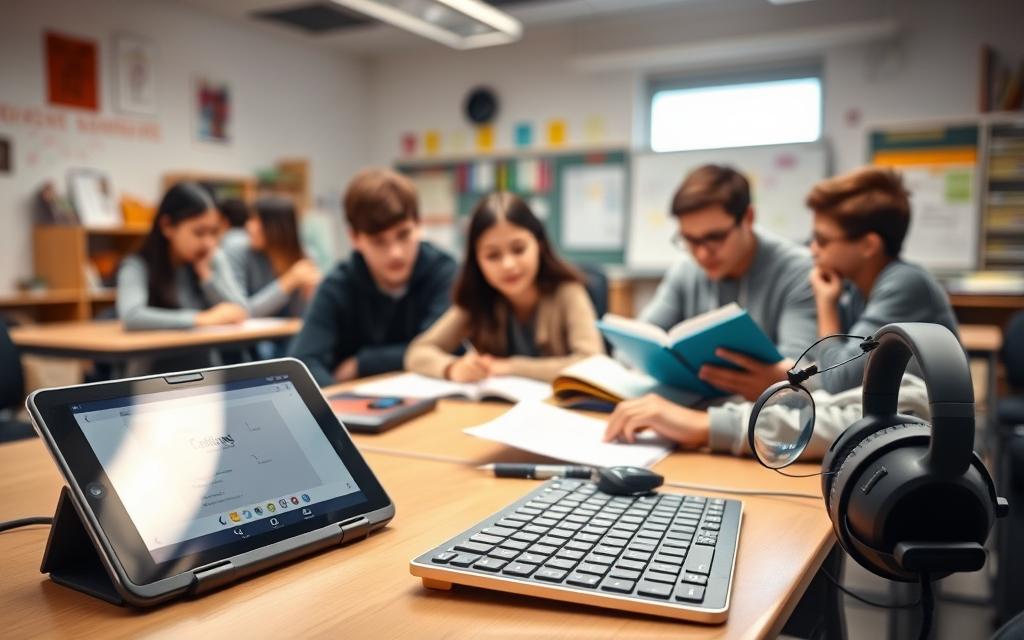
Every student learns in their own way. Assistive technology helps with different challenges. For example, students with dyslexia get help from software that reads text out loud.
Those with dysgraphia get word prediction tools. This makes writing easier. These accessibility tools make hard tasks easier.
Students with ADHD find organisational tools helpful. Digital planners and reminders help them stay on track. Visual learners use mind-mapping software to organise their thoughts.
Students with visual impairments use screen readers and braille displays. These tools help them access digital content. The right tools help overcome barriers and use strengths.
| Learning Difference | Common Challenges | Assistive Technology Solutions | Key Benefits |
|---|---|---|---|
| Dyslexia | Reading fluency, decoding text | Text-to-speech software, audiobooks | Improved comprehension, reduced frustration |
| Dysgraphia | Handwriting, spelling, organising thoughts | Word prediction, speech-to-text tools | Enhanced writing quality, increased output |
| ADHD | Focus, organisation, time management | Digital planners, focus apps | Better task completion, reduced anxiety |
| Visual Impairments | Accessing text, navigating materials | Screen readers, braille displays | Full curriculum access, independence |
Promoting Independence and Self-Advocacy
Assistive technology lets students control their learning. They can access materials on their own. This builds their confidence.
Students learn which tools suit them best. This helps them ask for the right help in school. They become more confident in asking for what they need.
Using these accessibility tools boosts students’ success. This success boosts their self-esteem. It motivates them to face new challenges.
These tools also prepare students for life after school. They learn skills that help in the workplace and daily life. Students are better prepared to handle the world.
Reading and Literacy Support Tools
Students with reading challenges can find help with assistive technologies. These tools make reading materials easier to access. They help students with different learning needs.
Text-to-Speech Software: NaturalReader and Read&Write
Text-to-speech technology turns written text into spoken words. It helps students with dyslexia, visual impairments, or processing disorders.
NaturalReader makes reading easier with its natural voices. It supports many file formats and highlights text as it reads.
Read&Write offers more than just text-to-speech. It has a toolbar that works with popular apps. It includes tools for word prediction, vocabulary building, and more.
- Word prediction to support reading fluency
- Vocabulary building tools with picture dictionaries
- Audio maker for creating MP3 files of texts
- Screen masking to reduce visual stress
Both programs help students read at their own level. They make reading easier and more independent.
Digital Books and Alternative Formats
Students often find books in non-traditional formats helpful. These formats keep the original content but make it easier to access.
Bookshare and Learning Ally have huge libraries of accessible books. They offer:
- Audiobooks with human narration
- Digital texts with synchronised highlighting
- Large print editions
- Braille-ready files
These services offer free or low-cost access to students with disabilities. They have everything from classics to modern textbooks.
For more on assistive technology for reading, teachers can find lots of resources. There are strategies for using these tools in the classroom.
Alternative format books let students read the same materials as their classmates. This supports inclusive education and meets individual needs.
Writing and Composition Assistance
Students with learning differences often find writing hard. But, assistive technology can change this. It makes writing easier and opens up new possibilities for success.
These tools help students get their ideas down on paper. They assist with spelling, grammar, and composition. This lets students focus on what they want to say, making writing more fun.
Word Prediction and Grammar Tools: Co:Writer and Grammarly
Word prediction software like Co:Writer guesses what students want to type. It’s really helpful for those who struggle with spelling or type slowly.
Co:Writer guesses words based on how they sound and what they’ve written before. It gets better at guessing as you use it more.
Grammarly is a writing helper that checks for mistakes and suggests improvements. It gives immediate feedback and explains why changes are needed. This helps students learn from their mistakes.
Both tools work on different devices and platforms. So, students can get help with their writing wherever they are.
Speech-to-Text Technology: Dragon NaturallySpeaking
Speech recognition technology is a game-changer for students who find writing hard. Dragon NaturallySpeaking lets you write by speaking. It’s very accurate.
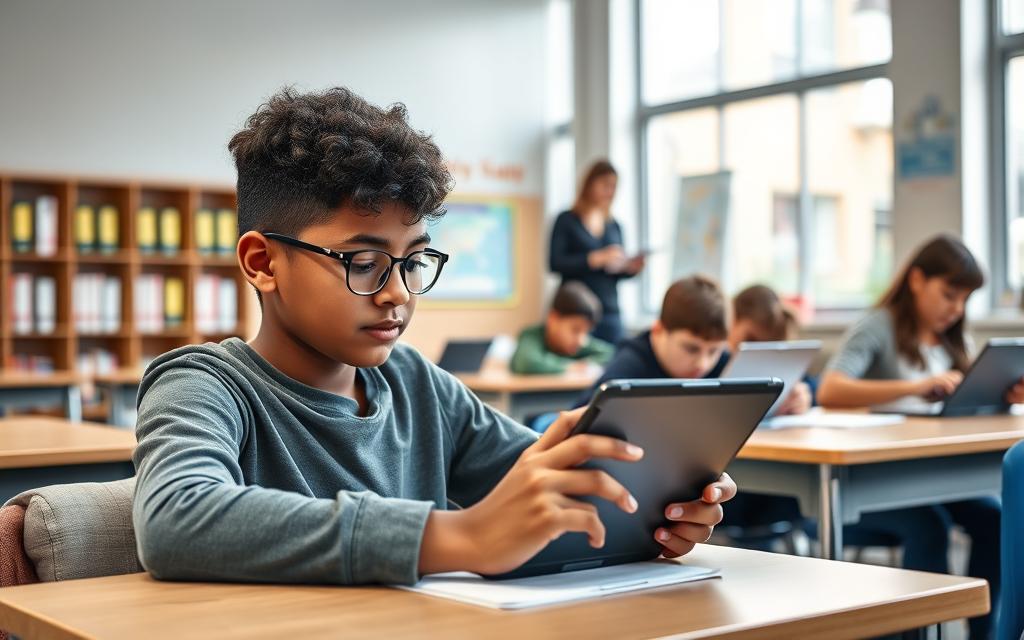
This tech is a big help for students with dysgraphia, dyslexia, or physical typing challenges. It lets them focus on their ideas, not the mechanics of writing.
Dragon NaturallySpeaking gets better at understanding your voice and words over time. It can control computers and write documents with just your voice.
Teachers say speech-to-text technology shows students’ true abilities. It lets them express themselves in ways they couldn’t before. This can lead to more complex and creative work.
Getting started takes some practice, but most students pick it up fast. The tech is always getting better, with cloud-based options for use on many devices.
Mathematics and Organisation Support
Students need strong support for maths and organisation skills, just like for reading. These areas are tough and need special assistive technology tools.
Talking Calculators and Math Software
Talking calculators are a key piece of assistive tech. They speak out numbers and results, helping students check their work.
For those who find it hard to follow steps or see things clearly, these tools are a big help. There’s also special math software that goes further.
This software turns complex math symbols into words, making hard ideas easier to grasp. It also checks math problems step by step, giving instant feedback to help students learn.
These tools make maths easier and less scary, helping students get better at numbers. You can learn more about how they help improve numeracy skills here.
Organisational Tools: Google Keep and Evernote
Students with learning differences often struggle with organisation and time management. Tools like Google Keep and Evernote are a big help.
These apps let students jot down ideas, make to-do lists, and keep things tidy online. They can access their notes on any device, so info is always at hand.
They also have features like visual timers and reminders to help with time management. These tools break down big tasks into smaller ones, easing stress and helping students study better.
By using these technologies, teachers help students manage their learning better. This makes them more independent, both in and out of school.
Communication and Social Support Technologies
Assistive technology is key in helping students with communication and social skills. It fills gaps that old methods can’t, giving tailored help for different needs.
Augmentative and Alternative Communication Devices
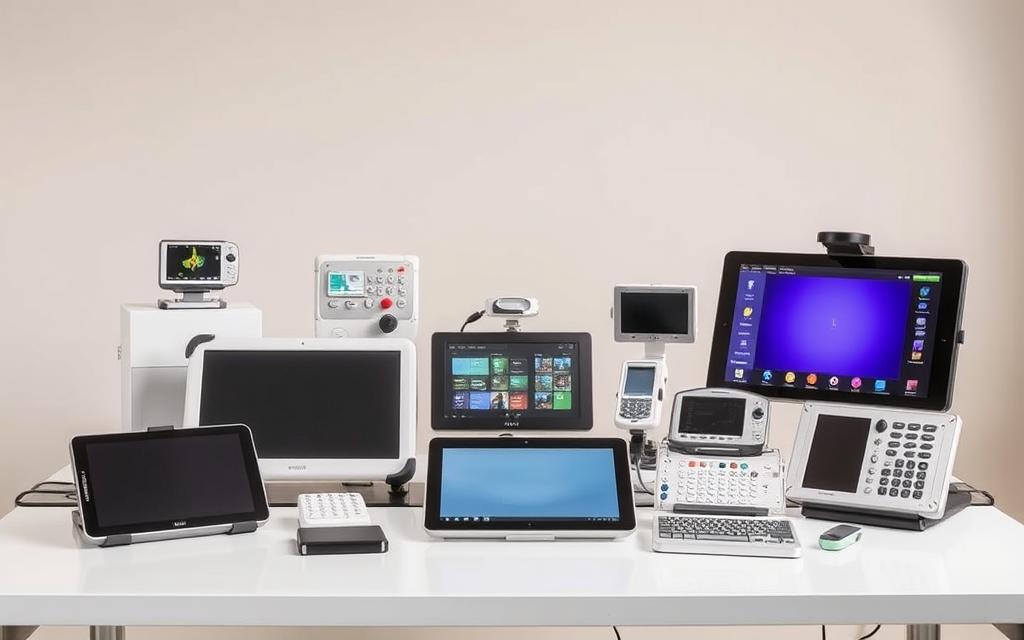
Augmentative and alternative communication (AAC) systems help students who can’t speak. They range from simple picture systems to advanced speech devices.
Today’s AAC tools let students express themselves and join in class talks. They make learning more inclusive, giving every student a voice.
Social Skills Development Applications
Special apps help students improve their social skills. They use interactive scenes to teach how to talk, understand feelings, and respond correctly.
These apps give feedback and adjust to the student’s level. They’re safe places for students to learn and grow before facing real-life situations.
Students with autism or social anxiety find these tools very helpful. They learn the complex rules of social interaction in a structured way.
Implementing Assistive Technology in Classroom Settings
Putting assistive technology in classrooms is a big job. It needs looking at each student and helping teachers learn. It’s all about planning, picking the right tools, and keeping support going.
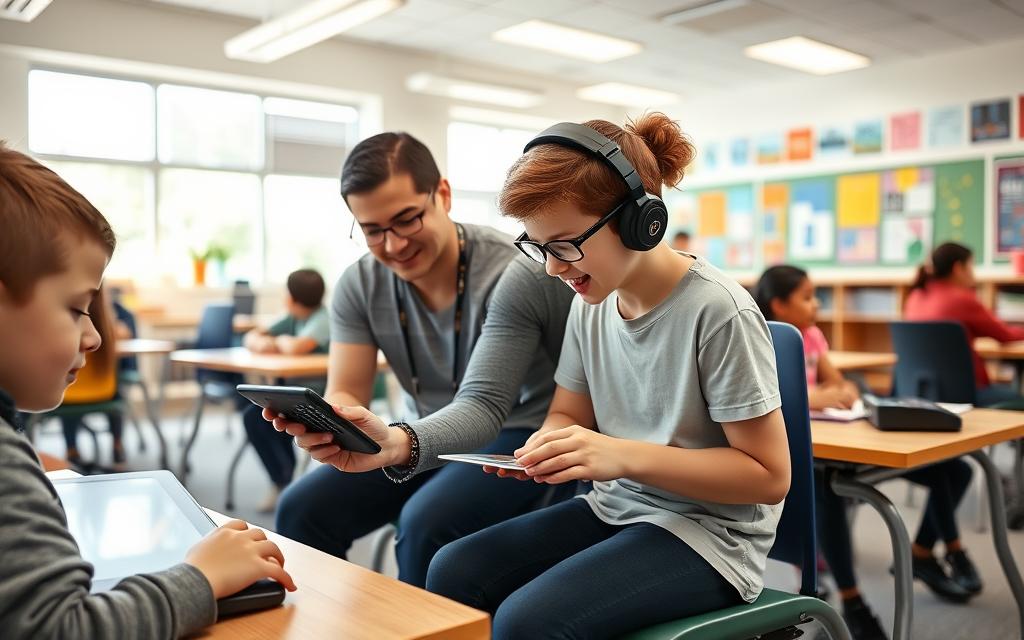
Assessment and Individualised Education Programmes
It starts with a deep check. Teams use special ways to see what students need. The SETT framework is a great tool for this.
SETT means Student, Environment, Tasks, and Tools. It helps teams think about everything. They look at the student’s challenges and strengths.
They also think about the learning place and tasks. This way, technology fits the real needs. It leads to choosing the right tools.
What they find helps make the Individualised Education Programme (IEP). The IEP says what assistive technology is needed. It has goals, how to use it, and how to check if it works.
IEP teams must think about a few important things:
- Student’s current levels of performance
- Annual goals and objectives
- Special education and related services
- Accommodations and modifications needed
Schools must give the assistive technology needed. The IEP makes sure this happens. It’s checked often to see if it’s working and to make changes.
Teacher Training and Professional Development
Teachers need to be ready to use assistive technology. They must know how to use it and how to teach with it. Schools offer training for this.
Training covers using the technology and teaching with it. Teachers learn how to use devices and software. They also learn how to fit technology into lessons.
It’s important to keep the support going. Schools should have mentoring and groups for teachers. These help teachers share ideas and solve problems.
Good training includes:
- Hands-on experience with assistive technology tools
- Strategies for using technology in lessons
- How to fix common problems
- Ways to check how students are doing
- Working with specialists
Leaders are key in supporting teacher training. They make sure teachers have time and resources. Their support is what makes it work.
| Implementation Challenge | Potential Solution | Key Stakeholders | Timeline |
|---|---|---|---|
| Teacher resistance to new technology | Peer mentoring and gradual implementation | Instructional coaches, veteran teachers | Ongoing |
| Technical difficulties with devices | Dedicated support staff and clear protocols | IT specialists, AT coordinators | Immediate response needed |
| Curriculum integration challenges | Collaborative planning time and resources | Teachers, curriculum specialists | Weekly planning sessions |
| Funding limitations for devices | Grant writing and budget prioritisation | Administrators, special education directors | Annual budget cycle |
| Student frustration with new tools | Scaffolded introduction and positive reinforcement | Teachers, paraprofessionals, parents | Initial implementation phase |
Using assistive technology well makes classrooms better for everyone. It helps students do well in school. With the right planning and training, technology can really help students learn.
Conclusion
Assistive technology changes how students learn, making classrooms more inclusive. It helps every learner reach their full ability. Tools like text-to-speech software and speech-to-text programmes make learning easier for all.
Tools like NaturalReader help with reading, while Co:Writer aids in writing. These technologies help students in maths, organisation, and communication. They also help with social skills, making classrooms more welcoming for everyone.
Using these tools well starts with understanding each student’s needs. Teachers need training to use them effectively. Schools must focus on training to get the most out of technology.
The future of education relies on new assistive technology. We must keep pushing for tools that everyone can use. By doing this, we can make sure all students do well in school and socially.
FAQ
What is assistive technology in an educational context?
Assistive technology in schools helps students with different learning needs. It includes devices and software that make learning easier. The goal is to give everyone equal chances to learn, without unfair advantages.
How is assistive technology legally supported in US schools?
In the US, the Individuals with Disabilities Education Act (IDEA) supports assistive technology. Schools must create plans for each student. These plans might include assistive technology to help students learn better.
What types of learning challenges can assistive technology address?
Assistive technology helps with many learning challenges. It supports students with dyslexia, ADHD, and visual impairments. These tools make learning more accessible and engaging for everyone.
How does assistive technology promote student independence?
Assistive technology helps students be more independent. Tools like text-to-speech software and organisational apps let students manage tasks on their own. This builds confidence and encourages self-advocacy.
What are some examples of reading and literacy support tools?
Tools like NaturalReader and Read&Write help with reading. They turn text into speech. Digital books and audiobooks make reading accessible for all.
Which tools assist with writing and composition?
Tools like Co:Writer and Grammarly help with writing. They predict words and check grammar. Speech-to-text technology lets students write by speaking, helping those with dysgraphia.
How can assistive technology support mathematics and organisation?
Assistive technology helps with math and organisation. Talking calculators and math software aid in problem-solving. Tools like Google Keep help with organisation and time management.
What role does assistive technology play in communication and social skills?
Assistive technology aids in communication and social skills. AAC devices and apps help students communicate and interact socially. They are vital for students who struggle with speech or social interactions.
How is assistive technology implemented in classroom settings?
Implementing assistive technology starts with assessment. The SETT framework helps match technology to students’ needs. Teachers need training to support students effectively.
Are assistive technology tools only for students with diagnosed disabilities?
Assistive technology helps many students, not just those with disabilities. Tools like text-to-speech software can aid students with focus or reading issues. They promote inclusivity for all learners.
What is the cost associated with implementing assistive technology in schools?
The cost of assistive technology varies. Some tools are free, while others require a big investment. Laws like IDEA ensure schools provide necessary technology for students’ education.
How can educators stay updated on new assistive technology developments?
Educators can keep up with new technology through training and workshops. Online courses and partnerships with tech experts are also helpful. Staying informed ensures effective use of assistive technology.
 Marcin Wieclaw